Barcode Scanner for Nutrition: How It Works & Where It Falls Short
Barcode scanning is fast and accurate for packaged foods. But what about fresh produce, restaurant meals, or home cooking? Here's the full picture — and how AI fills the gaps.
How Barcode Scanning Works in Nutrition Apps
When you scan a barcode, the app reads the EAN/UPC code and queries a food database (like Open Food Facts or a proprietary database) for the matching nutrition label. Within seconds, you get the calories, protein, carbs, fat, and micronutrients per serving — exactly as printed on the package.
This is extremely accurate for packaged and branded foods. The data comes directly from the manufacturer's nutrition declaration, which is legally required to be within 20% of actual values.
Where Barcode Scanning Falls Short
- Fresh produce: Apples, chicken breast, tomatoes — no barcode.
- Restaurant meals: Your döner, pasta, or salad has no scannable code.
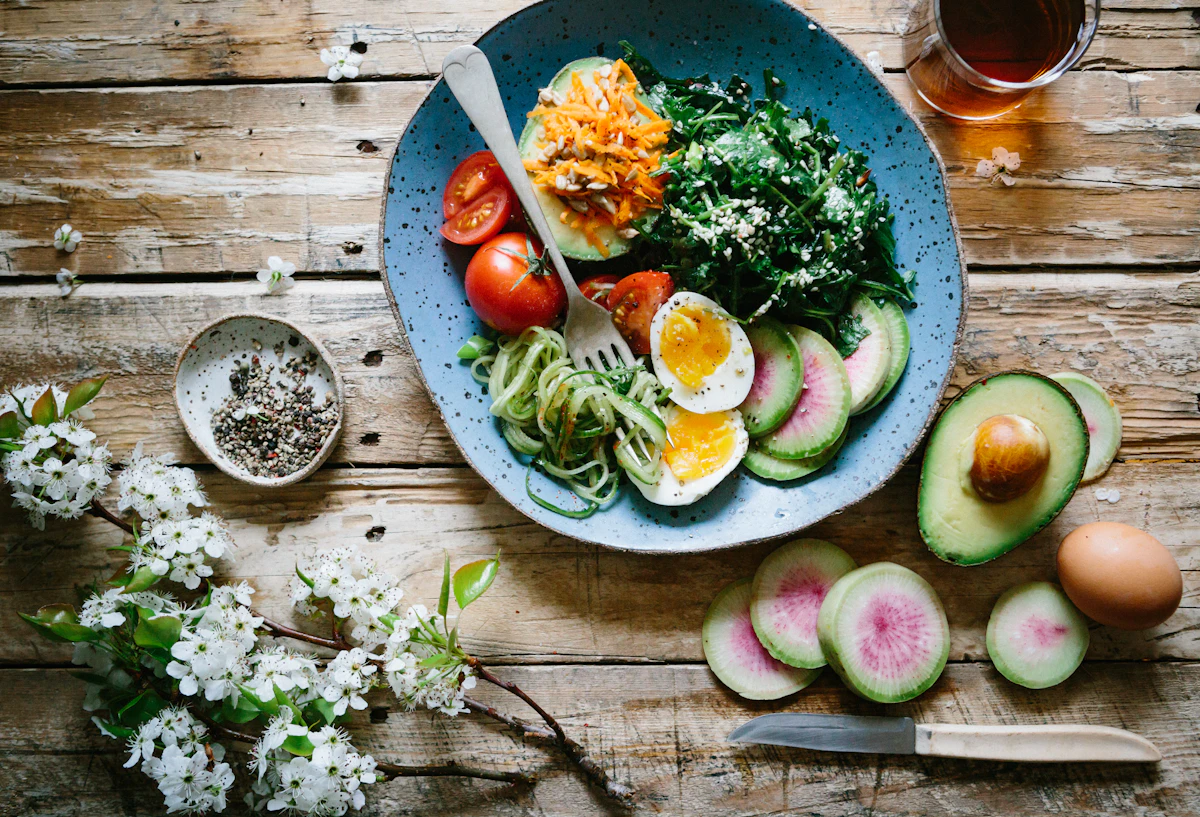
- Home-cooked food: Anything you cook from scratch is invisible to a barcode scanner.
- Regional brands: Many local products aren't in global databases.
The reality is that most people's calories come from fresh food, restaurant meals, and home cooking — exactly where barcodes don't exist.
Yedimmi: Barcode + AI Photo Tracking
Yedimmi combines barcode scanning for packaged foods with AI photo recognition for everything else. Scan your protein bar's barcode. Photograph your home-cooked meal. Both tracked instantly — no manual entry required.
The Future: AI Replaces Barcodes
AI food recognition is rapidly closing the accuracy gap with barcodes for whole foods. Modern vision models can identify specific cuts of meat, cooking methods, and even sauce types from a single photo. Within a few years, barcode scanning will become a secondary feature rather than the primary tracking method.
Scan Barcodes & Snap Photos with Yedimmi
No registration required · Start instantly · iOS & Android